AppVentiX 4.0.26 release notes
New features and improvements in AppVentiX 4.0
Application overview page in Central View
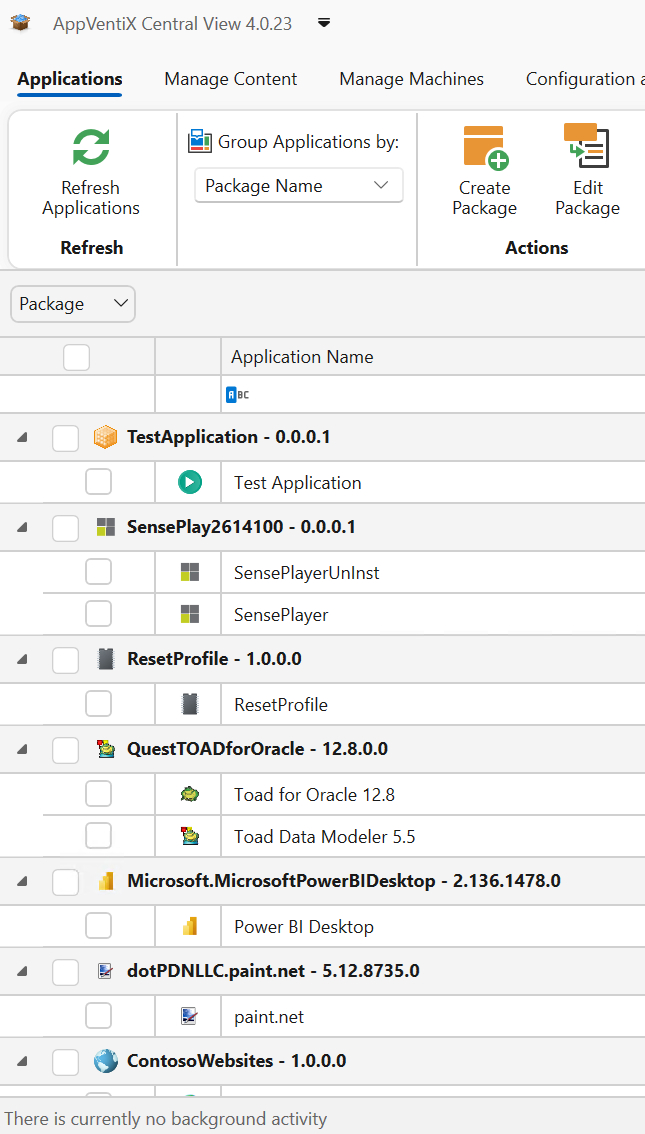
A new application overview page in Central View showing all applications and shortcut locations in one easy to navigate view.
Create and edit existing packages
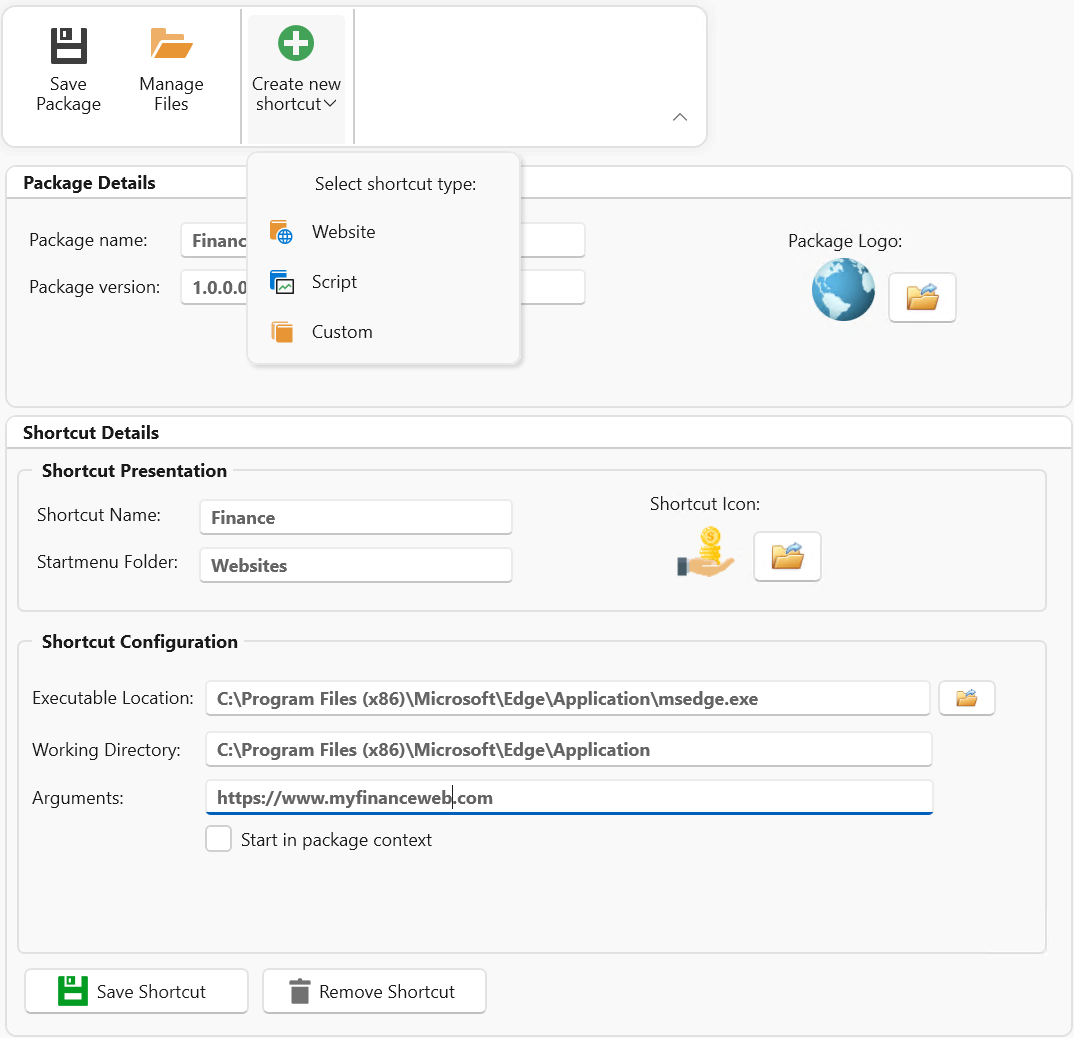
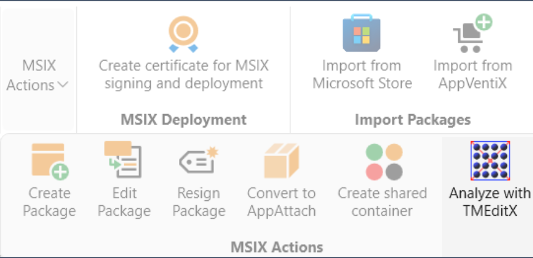
Create and edit existing packages, easily create packages directly from the AppVentiX console to manage your shortcuts, files and scripts.
Bulk resign your MSIX packages
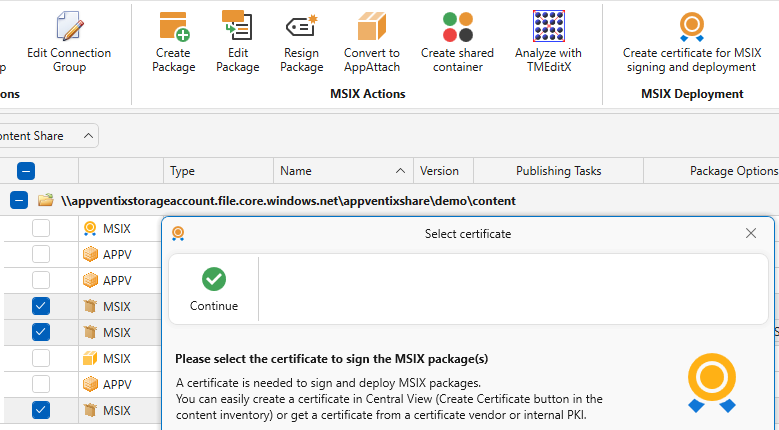
Bulk resign your MSIX packages, with the click of a button resign multiple MSIX packages with a new certificate
Auto start applications
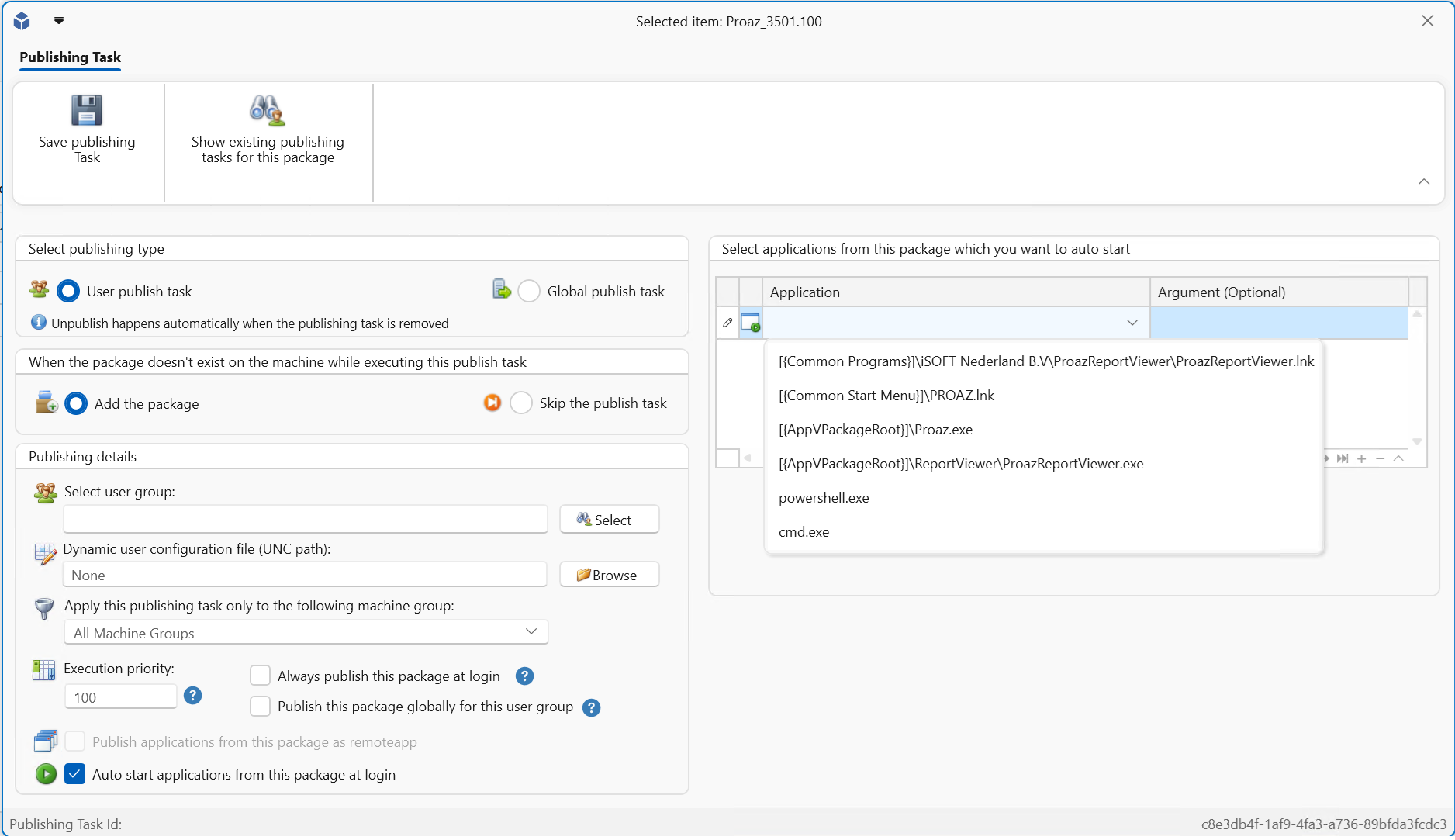
You can now define applications from a package that will be auto started for the user when they login
Integration with TMEdit(x)
Integration with TMEdit(x) to analyze packages directly from the console
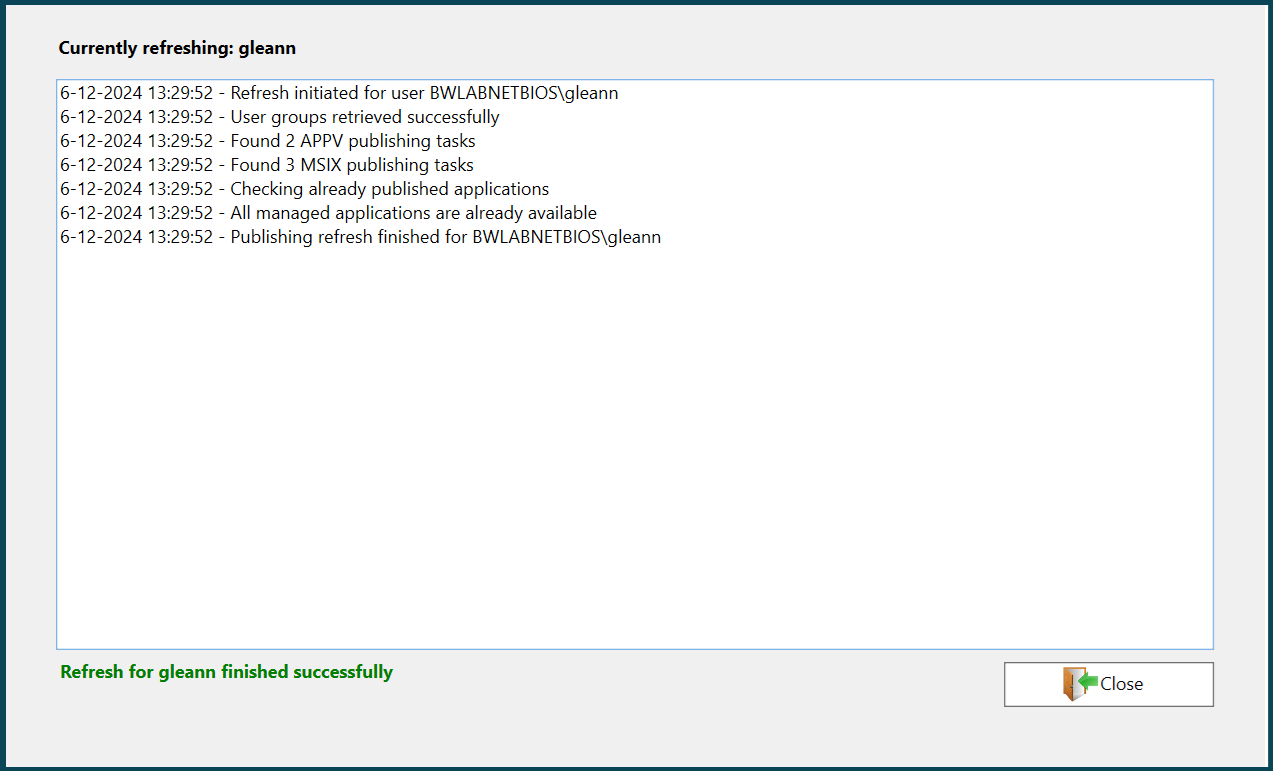
A new publishing progress window
A new publishing progress window has been added to the AppVentiX agent GUI
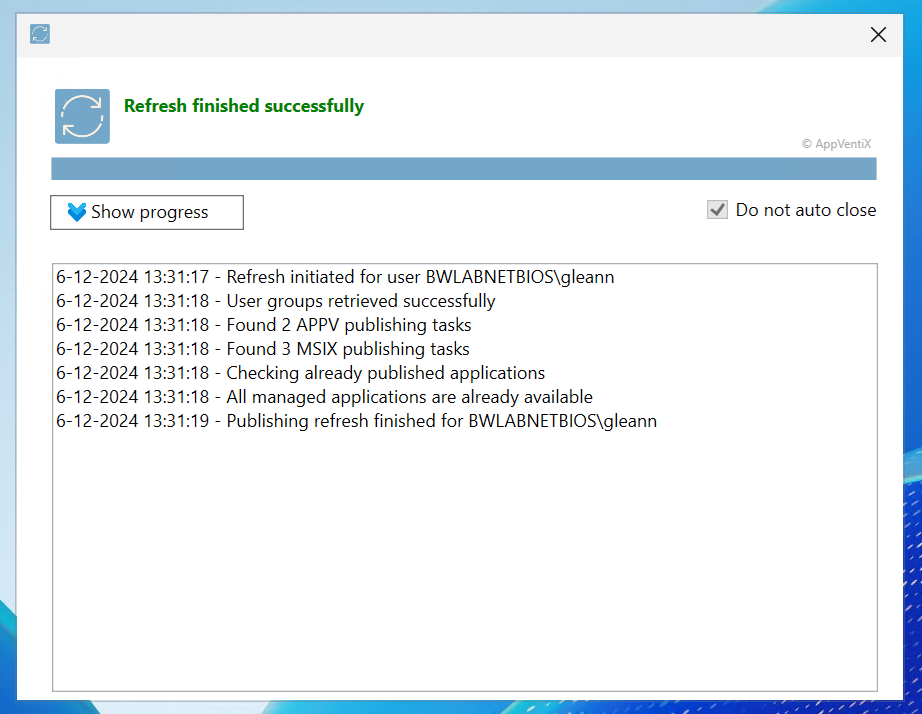
New application refresh application
The application refresh application has been renewed to show the refresh progress when the user clicks on the shortcut in their start menu
Extended support for App-V
While Microsoft is retiring the App-V management infrastructure, the App-V client will remain supported. AppVentiX eliminates the need for App-V management components, ensuring fully supported deployment by both AppVentiX and Microsoft
First-day support for Windows Server 2025
First-day support for Windows Server 2025 and the latest Windows 11 builds. AppVentiX has been thoroughly tested and validated for compatibility with Windows Server 2025, ensuring seamless functionality for App-V integration, MSIX, and app attach features.
Other improvements and fixes
The following list of improvements are also implemented in version 4.0:
- Added new context menus in the console for easier navigation
- Improved content inventory performance and caching
- Warnings and errors in the event log now include unique event IDs for easier troubleshooting
- The feature preventing Windows from cleaning up packages when no user is logged in has been improved. Windows will now retain all packages managed by AppVentiX, ensuring consistent availability.
- Enhanced MSIX app attach integration
- Enhanced support for MSIX Shared Containers
- The Entra ID and Azure Virtual Desktop (AVD) integration has been improved
- The Azure subscription is now stored in the publishing task, so when you edit the publishing task the correct subscription is automatically selected
- The remote inventory feature has been enhanced
- For Citrix environments the image mode detection feature has been updated for the latest MCS\PVS versions
- Improved content caching mechanisms for optimized performance
- Improvements for scenarios when the MSIX cache is redirected to another drive
- Resolved an issue where creating a publishing task could occasionally open an empty window
- Fixed compatibility issues with importing older Microsoft Store package formats
- Package icons are now retrieved during inventory for improved usability
- Updated themes and controls for a modernized user experience
- Optimized group retrieval method that skips publishing when user group retrieval is partial
- Enhanced support for offline scenarios and situations where the configuration share is unavailable
- The PowerShell module has been updated
- Various other fixes and improvements for overall stability and functionality
Source: AppVentiX release history.