AppVentiX Agent Refresh shortcut
The following shortcut is placed in the Start menu. Open the application to trigger a refresh.

A popup screen will show the progress. A refresh progress notification will be displayed:
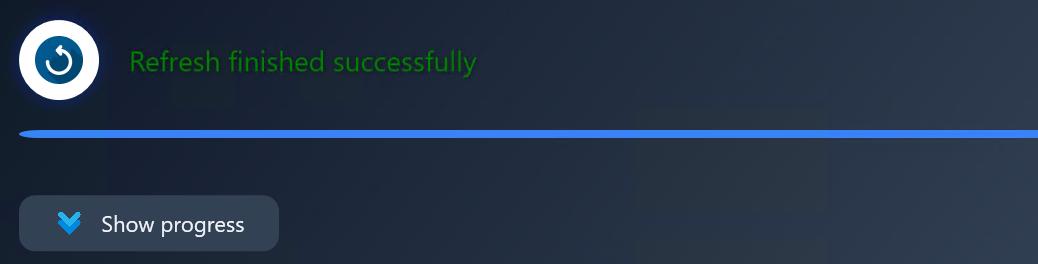
Click the Show progress button to see more refresh details. You can close the window when finished.
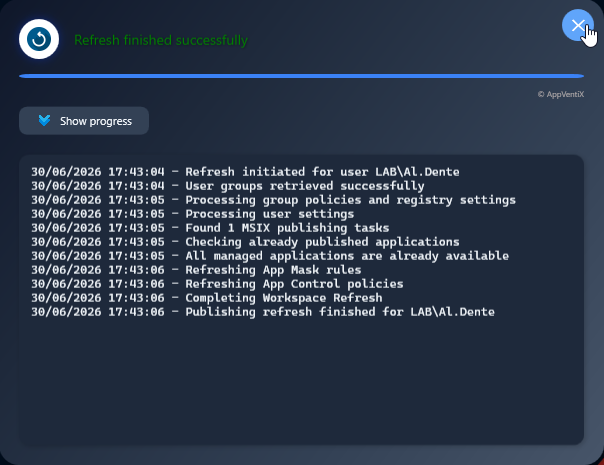
This refresh updates applications, App Masking rules, App Control policies, and user settings.