Reports
Reports give you visibility into application usage. With application tracking enabled, you can gather usage data across App-V, MSIX, and locally installed applications. Usernames can optionally be anonymized, and reports can be exported to Excel or PDF. Reporting can be enabled on a per-machine-group basis.
You can enable the report in the Machine Group Agent Settings.

Note
You can also find the Reports button on the Machines & Inventory tab.
You will see an overview of the applications launched by your users.
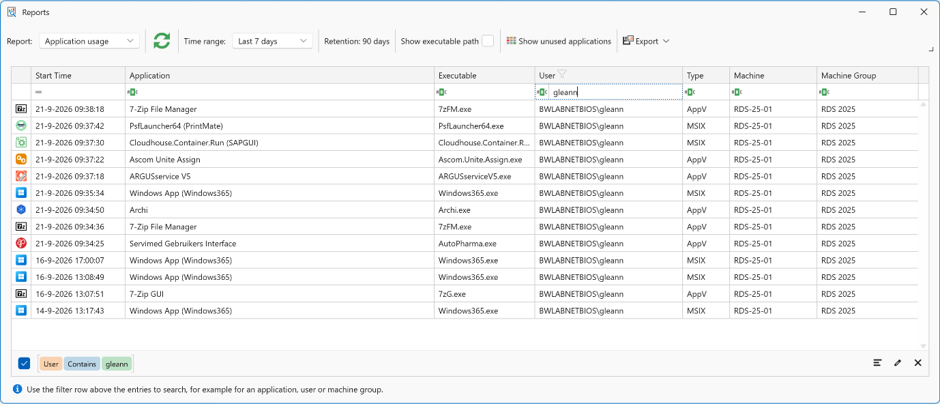
Use the top menu bar to filter and fine-tune your report.

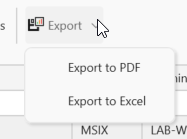
Click Export to save the report as PDF or Excel.