Client certificate
Rotate certificate
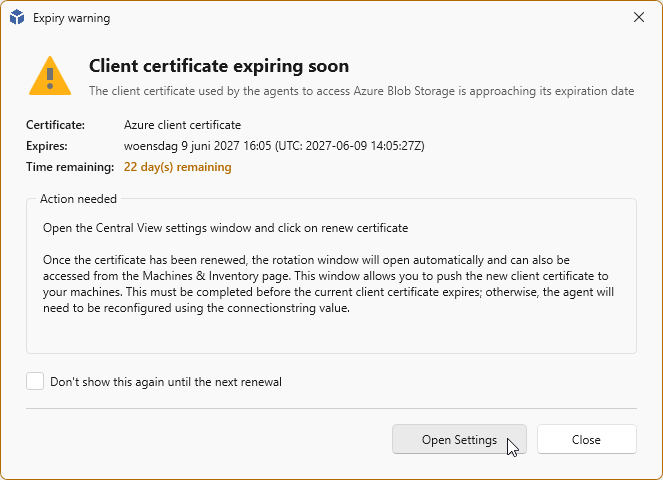
Before the certificate expires, you will receive a message that the certificate is expiring soon in x days.
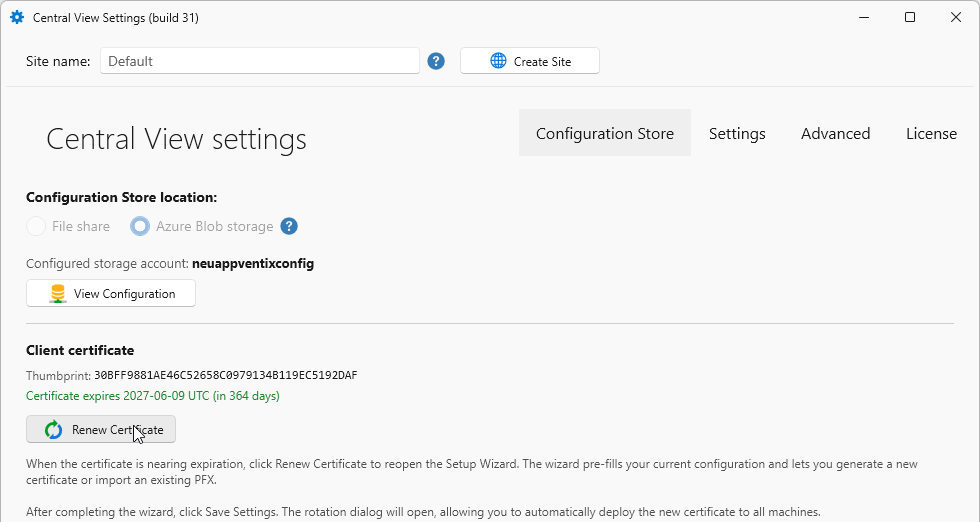
To rotate the certificate, go to the Central View Settings under Configuration & Activity. Click the Rotate Certificate button.
Note
You might want to create the certificate manually. Visit this page for the manual steps and the certificate requirements.
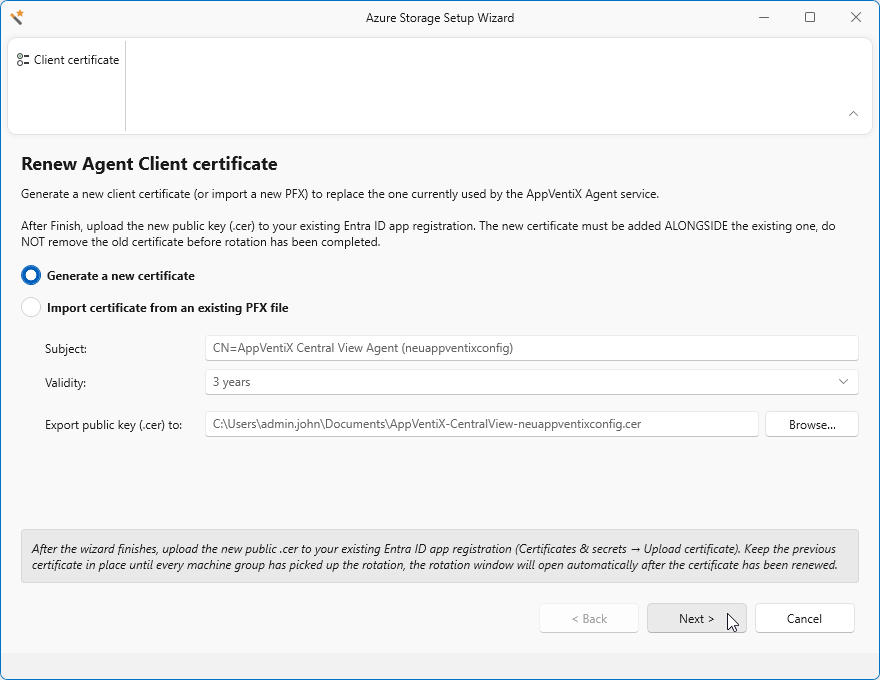
By default the Generate a new Certificate is selected. Change the validity period (default is 3 years). Click Next
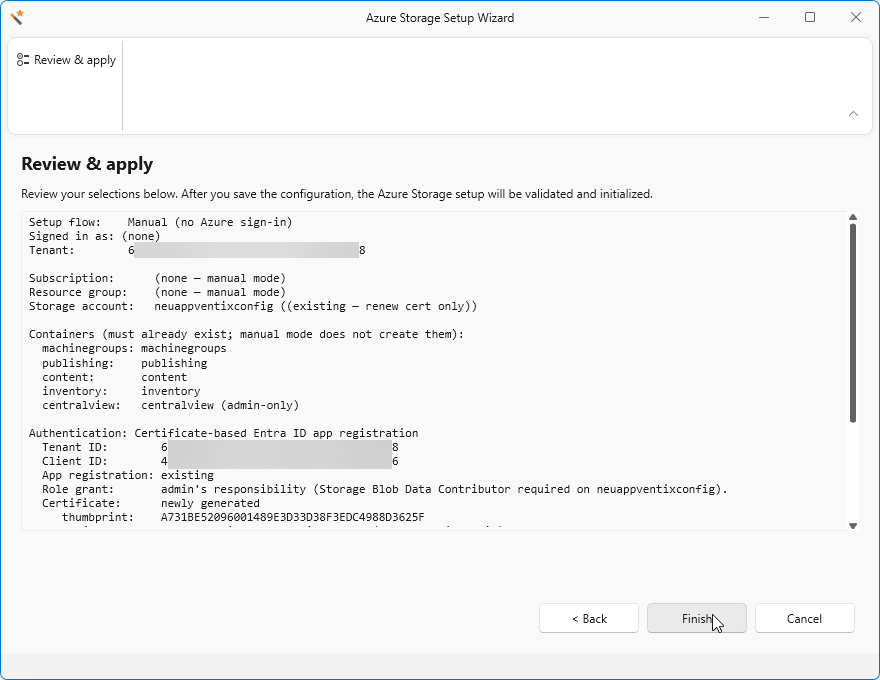
Review your new settings, click Finish to apply the new settings.
When the popup shows, you can click Close
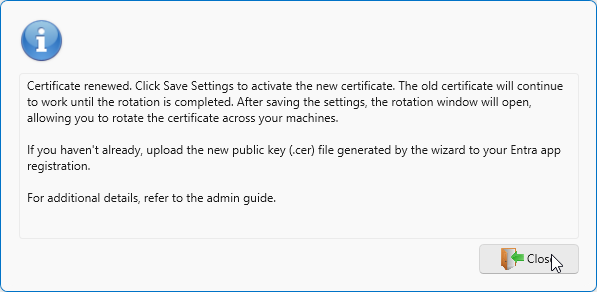
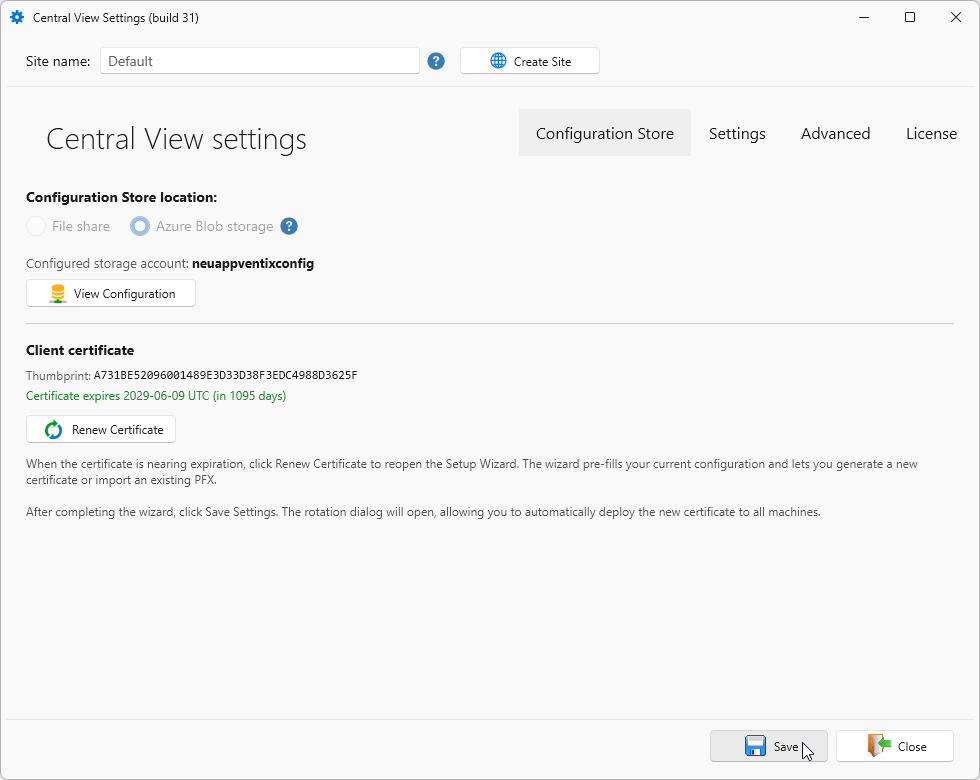
Click Save.
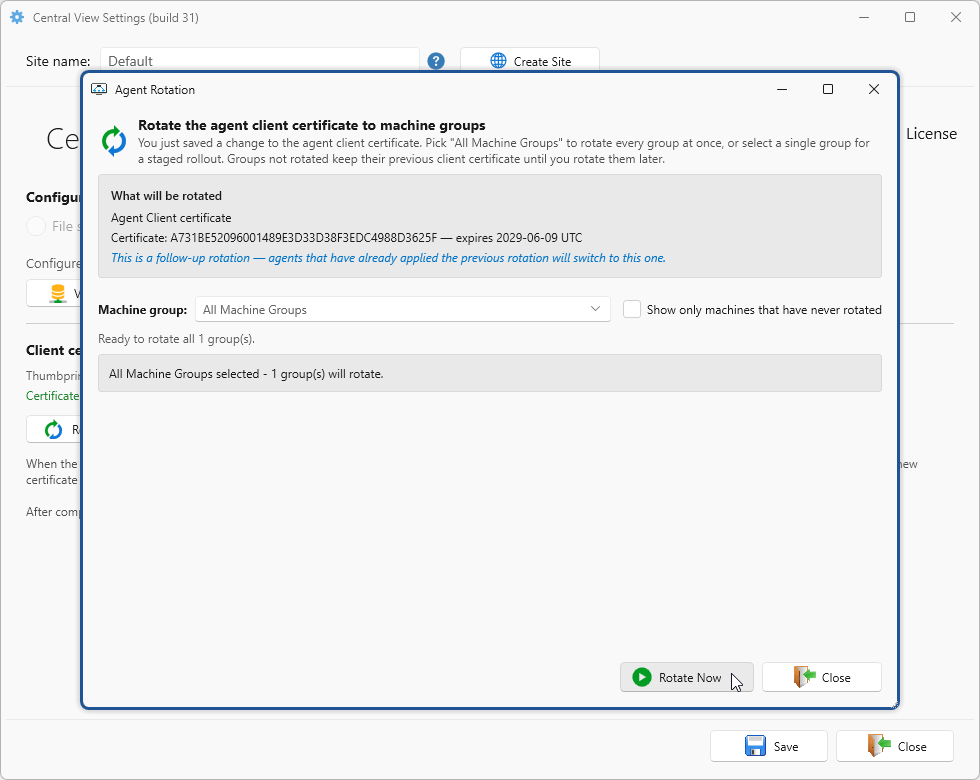
A new window will appear to rotate the new certificate on one or more machines. Select a specific Machine Group or All Machine Groups
Click OK to start the certificate rotation.
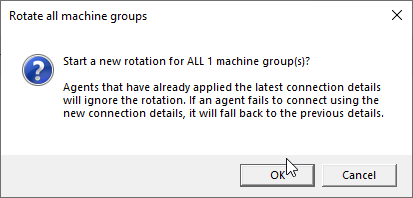
Click OK to close
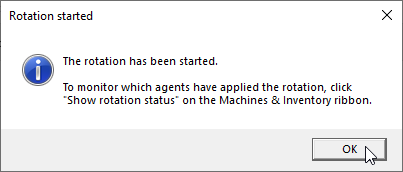
To view the status, click Show rotation status on the Machines & Inventory tab.

... More info will follow soon ...