Branding
As of version 5.4, AppVentiX supports branding. Use branding to give the management console and the AppVentiX Agent progress windows your company's own look and feel.
To configure branding, go to Configuration & Activity in the Central View app.

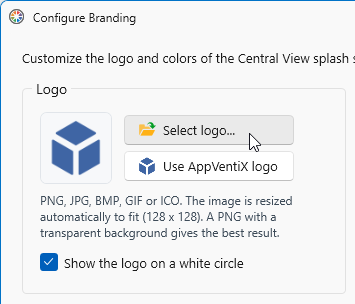
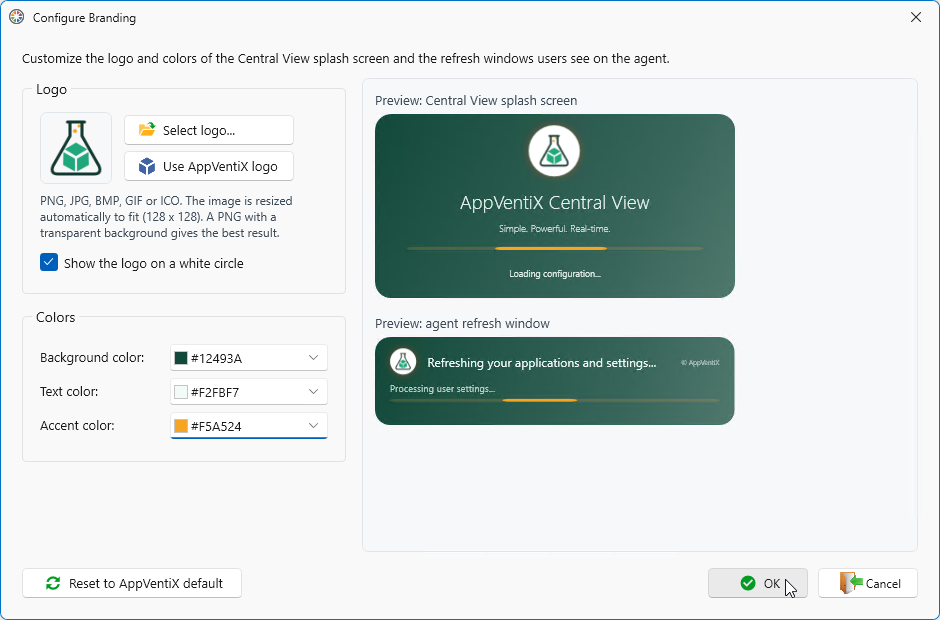
To change the logo, click Select logo... and select your own logo.
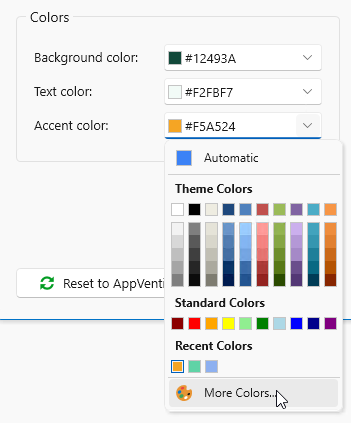
To change the Background color, Text color, or Accent color, click the arrow next to the color. Select a color from the list, or click More Colors to enter a custom color code.
To revert to the original AppVentiX colors, click Reset to AppVentiX default.
When you are done, click OK to save and close.
Click Close