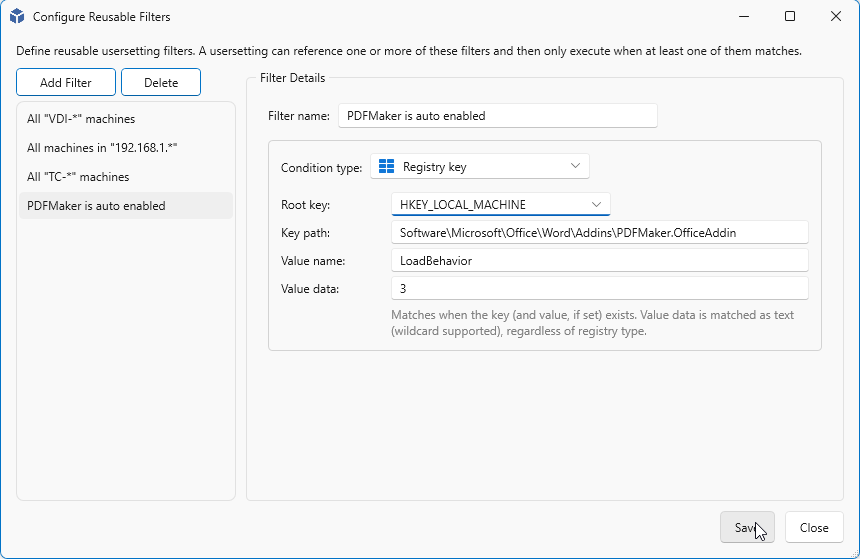
User Settings - Reusable Filters
With Reusable Filters you have the option to scope any user setting. A Filter can be created once and be applied to one or mre USer Settings.
You will have the following Filter options available.
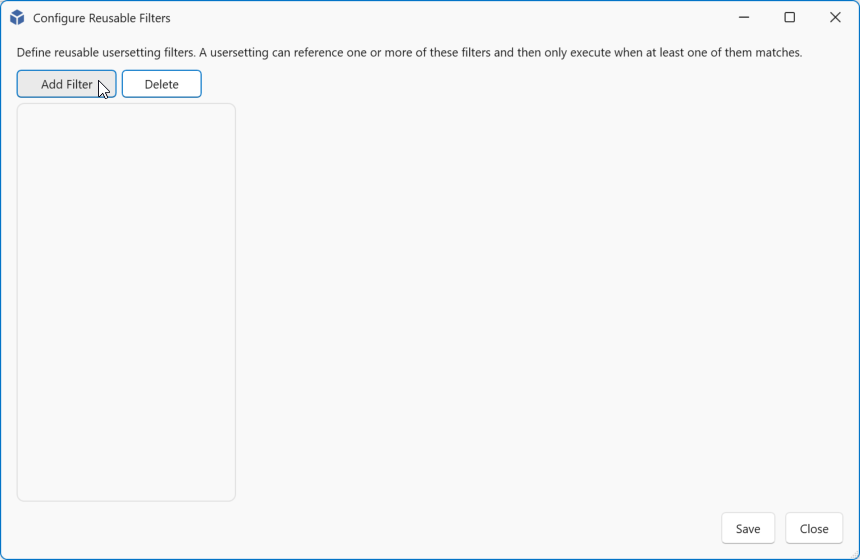
Navigate to User Settings and click Manage Reusable Filters.

Click Add Filter.
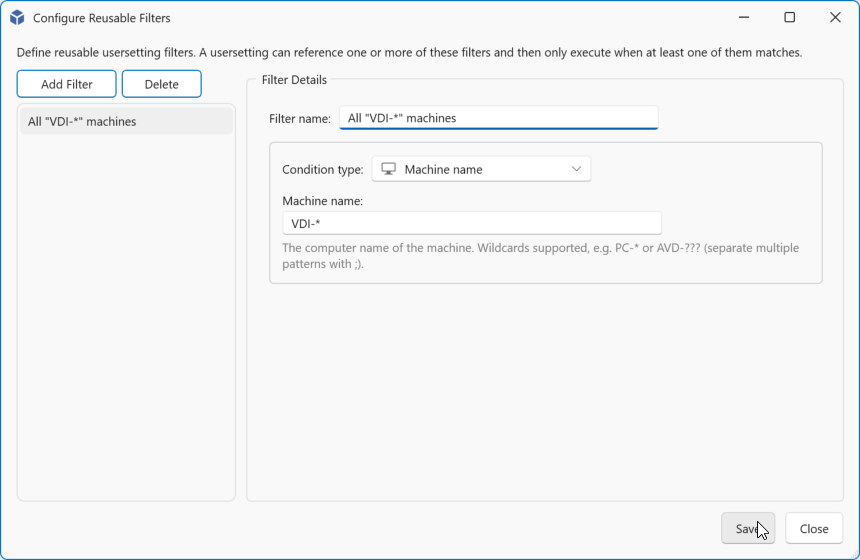
Machine
Enter a machine name filter. You may can make use of wildcards like ***** for one or more or ? for a single character. The match is case insensitive. You can include multiple matches, separate them with ;
| Filter | Matches |
|---|---|
| VDI-* | VDI-0001, VDI-Test-001, vdi-09 |
| AVD-?-* | AVD-T-001, avd-p-pool-001 |
| PC-??? | pc-123, PC-A12 |
| vdi-t-*;vdi-p-* | VDI-P-001, vdi-t-002 |
Click Save to save and close or Add Filter to add a new filter.
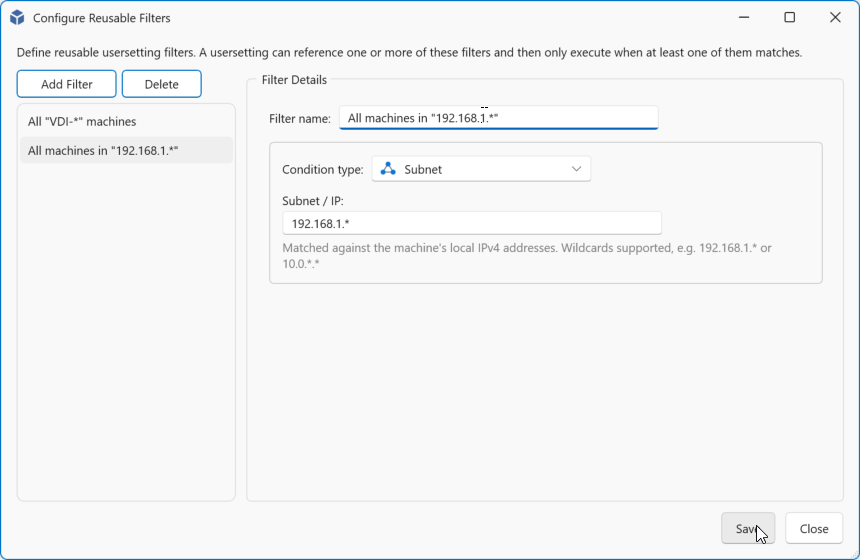
Subnet
Enter a part of a ip-address that wil be used for the matching. You may can make use of wildcards like ***** for one or more characters.
| Filter | Matches |
|---|---|
| 192.168.1.* | 192.168.1.0 to 192.168.1.255 |
| 192.168.. | 192.168.0.0 to 192.168.255.255 |
| 192.*.10.* | 192.1.10.5, 192.254.10.26, 192.168.10.137 |
Click Save to save and close or Add Filter to add a new filter.
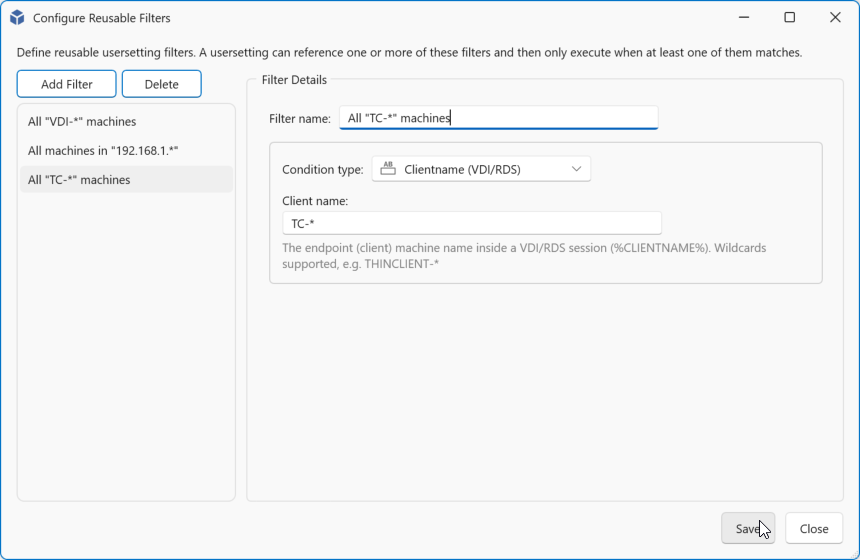
Clientname
Enter a endpoint (client) machine name filter from within your single or multi session environment. You may can make use of wildcards like ***** for one or more or ? for a single character. The match is case insensitive. You can include multiple matches, separate them with ;
| Filter | Matches |
|---|---|
| TC-* | TC-0001, TC-Test-001, tc-09 |
| WKS-?-* | WKS-T-001, wks-p-pool-001 |
| PC-??? | pc-123, PC-A12 |
| DSKT-t-*;dskt-p-* | DSKT-P-001, dskt-t-002 |
Note
This is only an option in Single and Multi session environments.
Click Save to save and close or Add Filter to add a new filter.
Registry key
With the Registry key option you can match for the existance for a key, value name or the value data content. The Value data is matched as a string value regardless of the registry type.
| Filter | Matches |
|---|---|
| Root key: HKEY_LOCAL_MACHINE Key path: Software\Microsoft\Office\Word\Addins\PDFMaker.OfficeAddin Value name: empty Value data: empty |
Is true if this path exists else false |
| Root key: HKEY_LOCAL_MACHINE Key path: Software\Microsoft\Office\Word\Addins\PDFMaker.OfficeAddin Value name: LoadBehavior Value data: empty |
Is true if the path with value exists else false |
| Root key: HKEY_LOCAL_MACHINE Key path: Software\Microsoft\Office\Word\Addins\PDFMaker.OfficeAddin Value name: LoadBehavior Value data: 3 |
Is only true if the path with value and the value is equal to 3 else false |